A room can feel completely different after one wall changes. A plain bedroom can become warm and cozy. A small bathroom can feel playful. Even your phone can look more personal with the right background. That is why wallpaper ideas have become so useful for both home decorating and digital styling. You can use wallpaper to add color, create a mood, highlight a small space, or simply make something feel more like you.
The trick is choosing a design that works with the space around it. A bold pattern may look beautiful on one wall but feel too busy across an entire room. A soft design may work perfectly behind a bed, desk, or bathroom mirror. The same idea applies to digital screens. Your iPhone, Samsung phone, iPad, MacBook, laptop, or desktop can all have a different look without changing the device itself.

1. Soft Aesthetic Bedroom Wallpaper
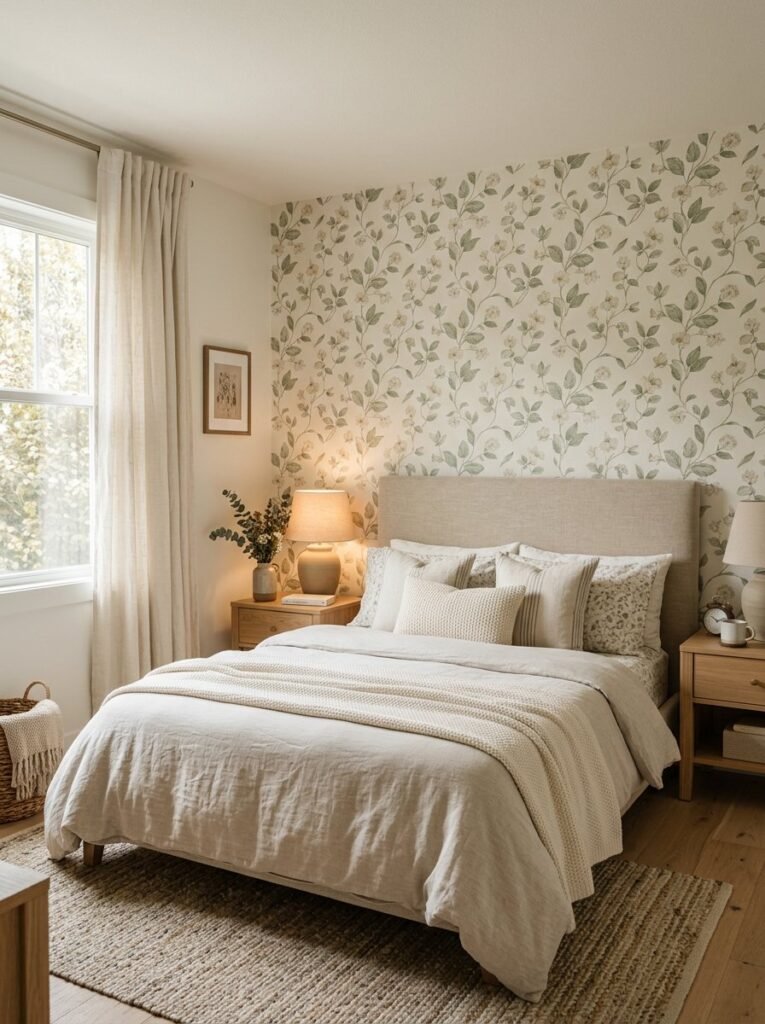
Picture a bedroom with warm bedding, natural wood furniture, and one wall covered in a soft botanical pattern. The room immediately feels calmer. For an aesthetic bedroom, choose muted florals, delicate leaves, soft beige patterns, or subtle textured wallpaper. If the room already has strong furniture or colorful bedding, keep the wallpaper quieter. A feature wall behind the bed can create a clear focal point without making the whole room feel crowded.
2. Pink Wallpaper for a Cute Space

Pink does not always mean bright or childish. Dusty rose, blush, pale pink, and muted coral can create a sophisticated look. Try pink wallpaper in a bedroom, dressing area, study corner, or small creative room. Pair it with white, cream, light wood, or gold accents. For a cute room, small flowers, hearts, clouds, stars, or tiny repeating patterns can add personality without overwhelming the space.
3. Blue Wallpaper for a Calm Room
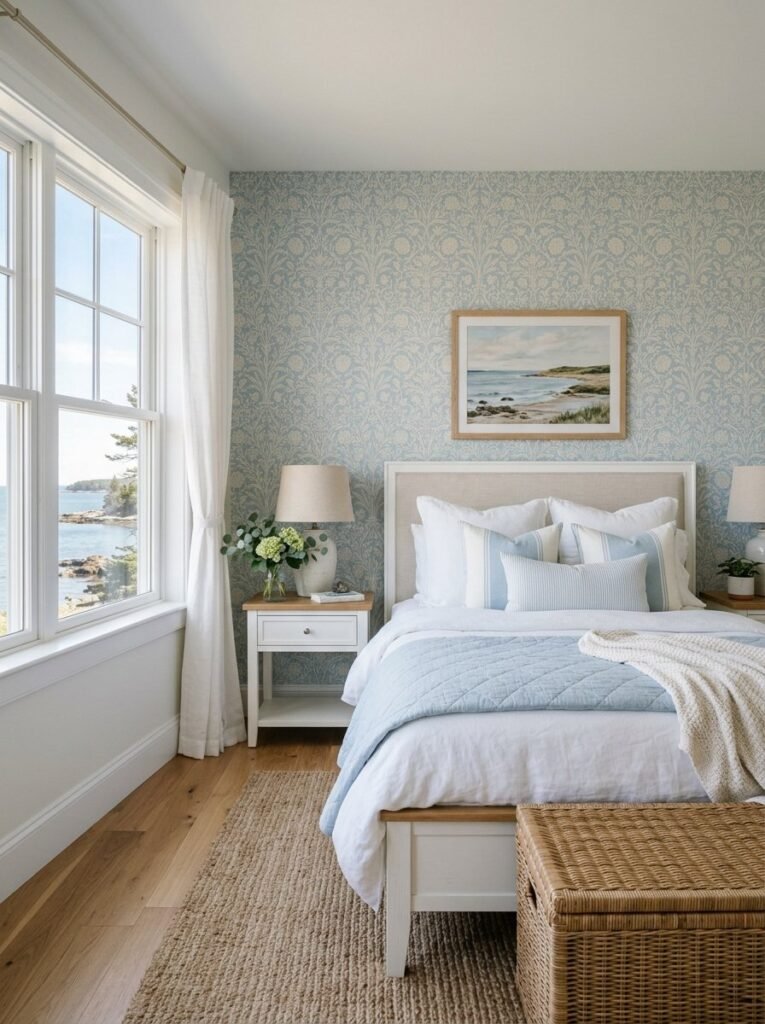
Blue can create a completely different mood depending on the shade. Pale blue feels airy, while navy can create depth and drama. Use blue wallpaper behind a bed, reading chair, or home office desk. Pair it with white furniture and natural wood for a balanced look. A subtle blue pattern can also work well when you want color without creating a very busy wall.
4. Bathroom Wallpaper Ideas

A bathroom may seem like an unusual place for wallpaper, but a carefully chosen design can make a small space much more memorable. For a bathroom, consider botanical prints, geometric patterns, delicate stripes, or small-scale designs. In a half bath or powder room, you can often take more creative risks because the space is smaller and used for shorter periods. Before installing wallpaper, check the product’s suitability for your bathroom conditions and follow the manufacturer’s installation guidance. Good ventilation also matters in rooms with frequent moisture.
5. Corkboard and Wallpaper Workspace

A home office does not need to look boring. Combine patterned wallpaper with a corkboard, floating shelves, a desk, and organized stationery. Choose a calm background if you need the space for focused work. Soft geometric patterns, neutral lines, or small botanical designs can add character without competing with your workspace. This setup works especially well behind a desk where the wallpaper creates a clear visual backdrop.
6. Y2K Wallpaper Style

If you love nostalgic design, bring back the playful look of the early 2000s. Think glossy colors, chrome details, stars, hearts, butterflies, checkerboard patterns, playful graphics, and soft pink or blue tones. A Y2K-inspired design works especially well for a bedroom, creative corner, or digital screen. Keep the rest of the room simple so the wallpaper becomes the main feature.
7. Summer Wallpaper

Summer is all about light, fresh colors. Think lemons, tropical leaves, small flowers, seashells, blue skies, or soft coastal patterns. For a home, use a summer-inspired print in a sunroom, bedroom, entryway, or small feature wall. For a digital screen, choose bright scenery, flowers, beaches, or colorful abstract patterns. A seasonal design can also be temporary if you prefer changing your look throughout the year.
8. iPhone Lockscreen and Homescreen Pair
Digital wallpaper gives you another way to express your style. On an iPhone, you can customize both the Lock Screen and Home Screen, and Apple also allows users to create different Lock Screens and connect them with Focus modes. Try matching wallpapers instead of using the exact same image twice. A detailed image can work on the Lock Screen, while a softer version can make app icons easier to see on the Home Screen. When creating a customized phone look, leave some clean space around the clock and important icons.
9. Samsung Phone Wallpaper

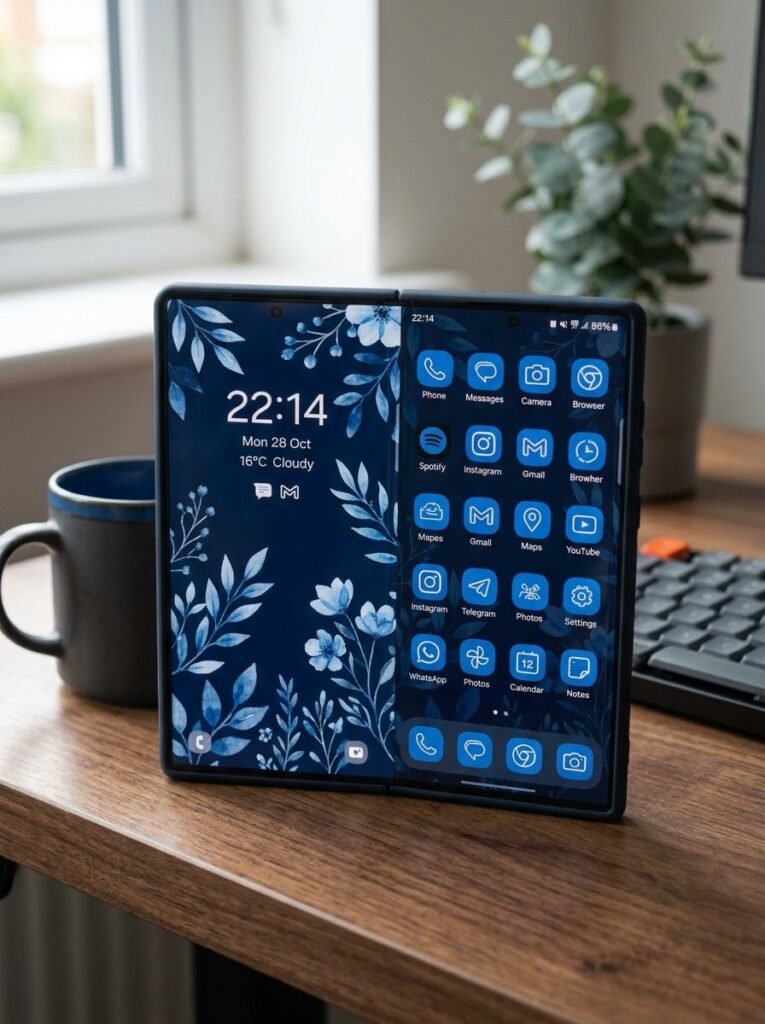
Samsung Galaxy phones and tablets offer several wallpaper options, including photos and videos from the Gallery, with choices for the Lock Screen and Home Screen. Samsung also provides additional wallpaper and personalization features on supported devices. For a clean Samsung setup, try a dark floral image, minimalist landscape, abstract gradient, or soft blue pattern. The key is to consider where your icons and widgets appear. A beautiful image can become difficult to enjoy if important details sit underneath screen elements.
10. Cute Phone Wallpaper

Sometimes you simply want your phone to make you smile. Try tiny hearts, cartoon-inspired shapes, clouds, bows, stars, flowers, animals, or pastel patterns. A cute design can work particularly well when paired with matching icons and a coordinated phone case. For a more polished look, choose two or three main colors and repeat them throughout the design.
11. iPad and Tablet Wallpaper

A larger screen gives you more room to enjoy detailed artwork. Landscape photography, abstract paintings, botanical scenes, and soft gradients can all work beautifully on an iPad or tablet. For a study setup, avoid overly detailed designs behind widgets and frequently used apps. A calm background can make the entire screen feel more organized. You can also coordinate your tablet wallpaper with your phone for a matching digital workspace.
12. MacBook and Laptop Wallpaper
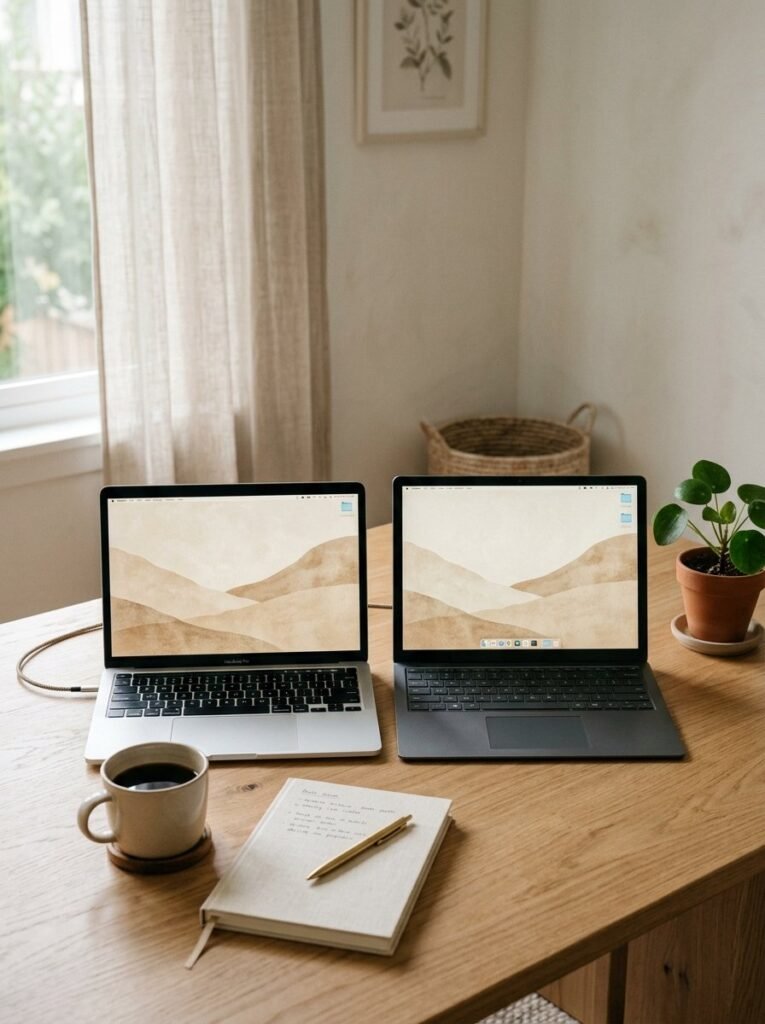
A MacBook or laptop wallpaper can become part of your workspace style. Try a minimal landscape, muted gradient, architectural photograph, or clean abstract design. If you use many desktop folders and files, choose a simple image with open areas so icons remain easy to read. For a professional workspace, neutral colors often create a cleaner appearance.
13. Desktop and PC Backgrounds
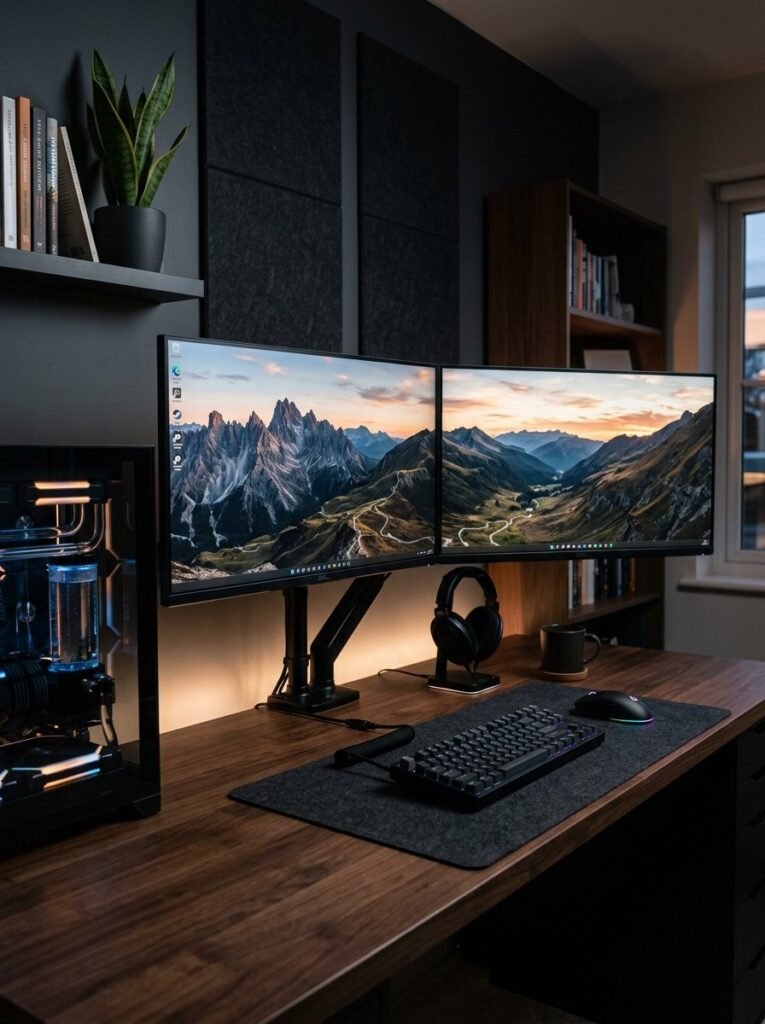
Your desktop or PC setup gives you even more creative freedom. You can use wide landscapes, city photography, abstract artwork, dark gaming-inspired graphics, or minimalist designs. A dual-monitor setup can look especially impressive when both screens use connected artwork. For example, one screen could show mountains while the second continues the same sky. Keep the central area relatively clear if you want desktop icons to remain easy to find.
14. Matching Wallpaper Sets
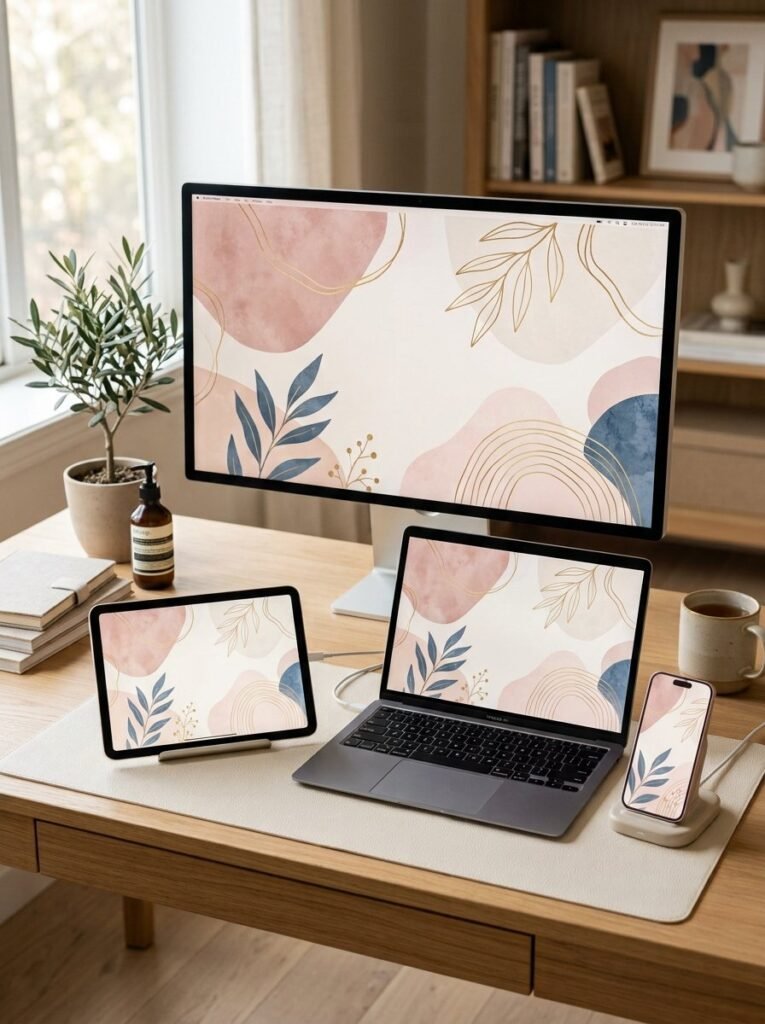
Matching designs can make several devices feel like part of one collection. Use the same color palette across your phone, iPad, laptop, and desktop. The images do not need to be identical. A floral phone wallpaper could pair with a soft leaf pattern on the laptop and a wider botanical scene on the desktop. This approach creates a polished digital identity without making every screen look exactly the same.
15. Canva Wallpaper Designs

If you want something truly personal, create your own wallpaper in Canva. Start with a background color or photograph, then add shapes, textures, quotes, initials, or simple patterns. Keep important text away from areas where the clock, widgets, or app icons will appear. Make several versions with different colors so you can change your screen without redesigning everything. A custom design can also make a thoughtful digital gift for a friend or family member.
16. Minimal Lockscreen Wallpaper

Minimal designs can make a screen feel calm and organized. Use one strong photograph, a soft gradient, a simple texture, or a single centered object. Apple’s current iPhone customization tools allow users to adjust elements such as the Lock Screen clock, widgets, and wallpaper presentation. Choose a background with enough visual breathing room. This keeps the lockscreen attractive without making the clock and notifications difficult to read.
17. Aesthetic Bathroom Feature Wall
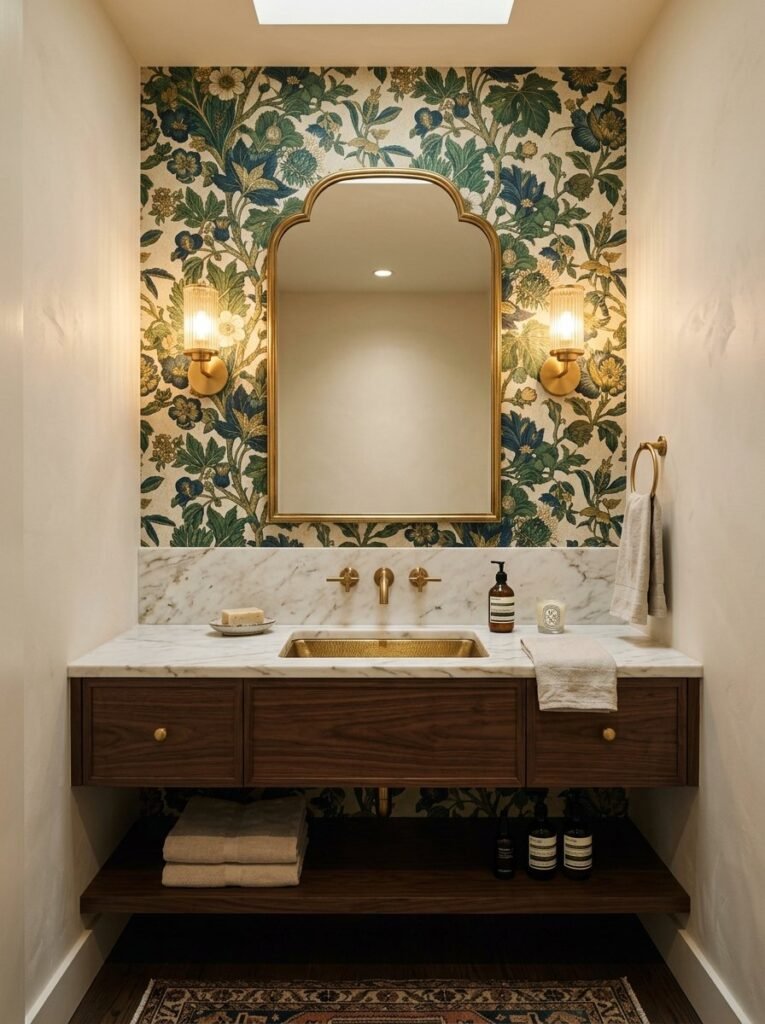
If a full bathroom wallpaper feels too strong, create one feature wall instead. A small wall behind the vanity can carry a bold floral or geometric print while the remaining surfaces stay simple. This works especially well in a powder room where you can experiment with color. For a small space, a large pattern can create drama, while a smaller print can make the room feel more detailed and traditional.
18. Wallpaper for a Small Room
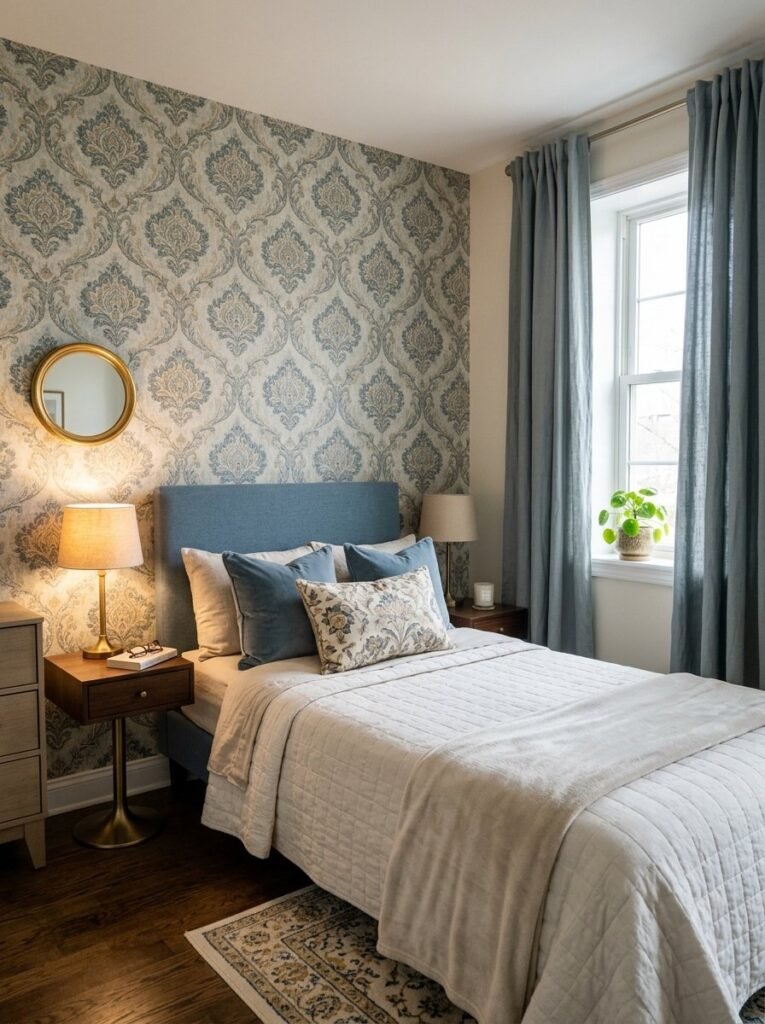
Small rooms do not automatically require plain walls. The right pattern can add depth and personality. If the room already has many decorative objects, choose a quieter print. If the furniture is simple, you can use wallpaper with stronger shapes or color. Think about the whole room before choosing the design. Look at flooring, curtains, furniture, lighting, and artwork together.
19. Personalized Wallpaper for Every Mood
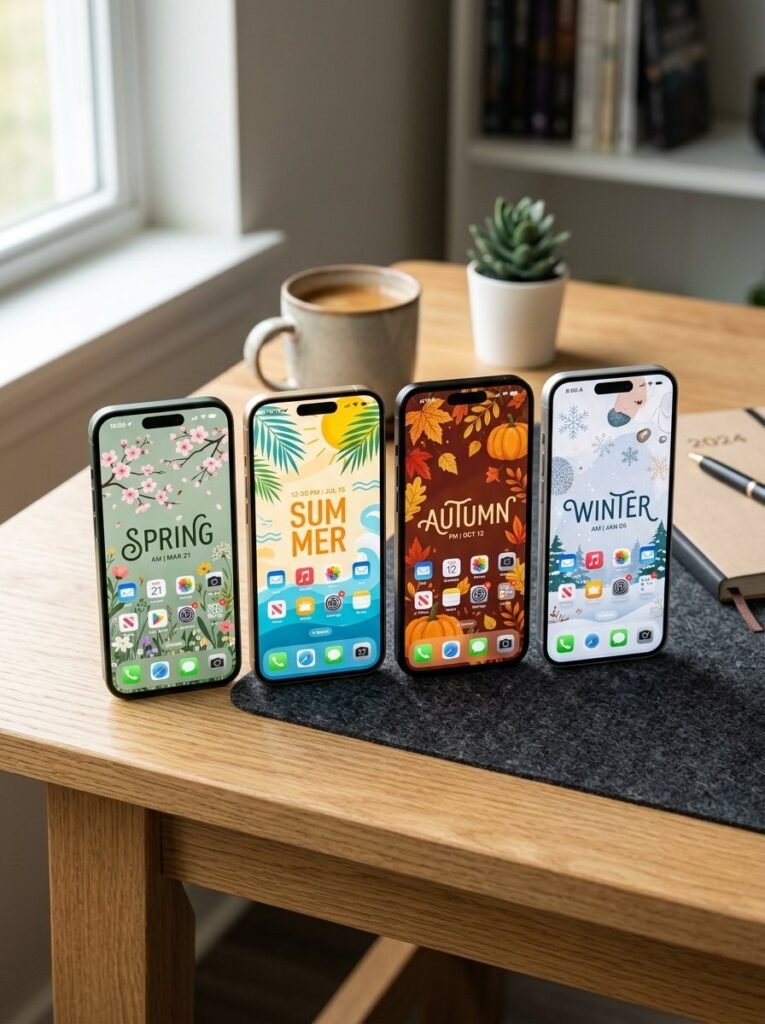
Your wallpaper does not have to stay the same all year. Create one set for summer, another for winter, and special designs for birthdays, holidays, or important occasions. On supported Apple devices, users can create multiple Lock Screens and switch between them; Samsung also provides multiple wallpaper and personalization options on supported devices. This makes your screen feel fresh without changing the device itself.
20. How to Choose the Right Wallpaper

Before choosing a design, look at the space or screen where you plan to use it. For a room, consider the existing colors, furniture, lighting, and size. For a phone or computer, think about icons, widgets, clock placement, and readability. The best wallpaper ideas are not always the loudest ones. Sometimes a soft pattern works better because it supports the rest of the room or screen instead of competing with it. Take your time, save a few options, and compare them in the actual setting before making your final choice.
Final Thoughts
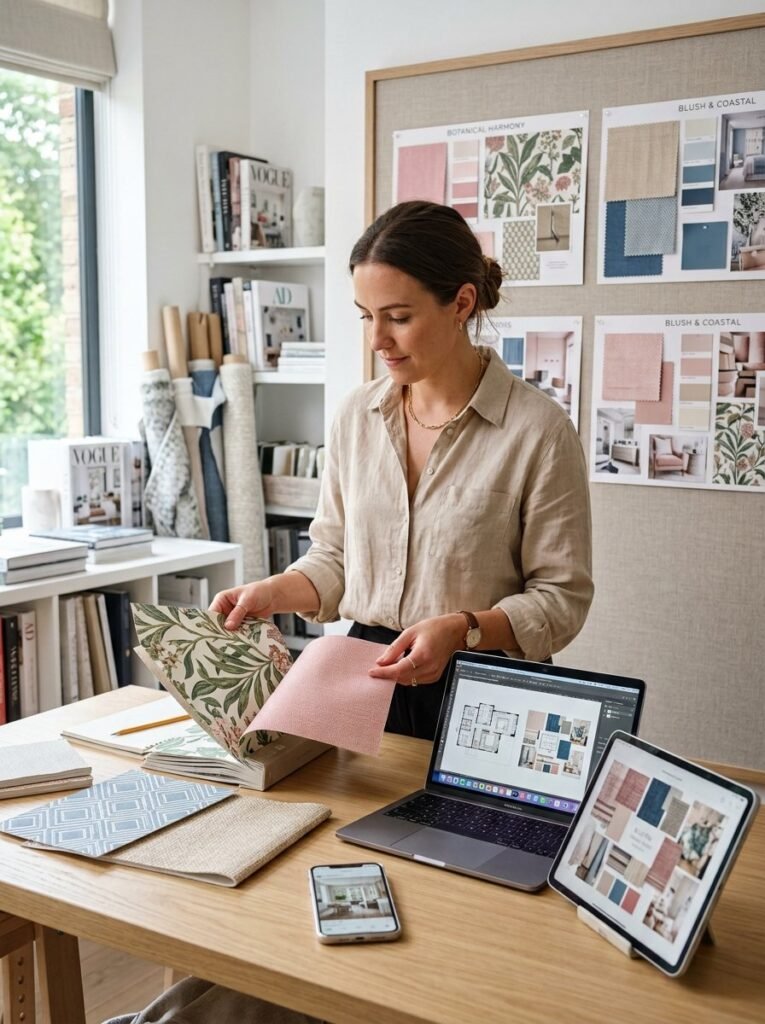
The beauty of wallpaper ideas is that they can change the feeling of something without requiring a complete makeover. A botanical bedroom wall, colorful powder room, soft blue workspace, or personalized phone screen can each create a very different experience. You can go bold with Y2K patterns, stay calm with minimalist designs, or create matching wallpapers across your iPhone, Samsung, iPad, MacBook, laptop, and desktop. Start with the mood you want. Then choose the colors, pattern, scale, and placement that support it. When the design works with everything around it, wallpaper becomes more than decoration. It becomes part of the space’s personality.
Helpful Official References
- Apple Support explains how to change iPhone wallpaper and customize the Lock Screen and Home Screen.
- Apple also documents Home Screen personalization, widgets, wallpaper pairs, and multiple Lock Screens.
- Samsung Support explains wallpaper customization for Galaxy phones and tablets, including Gallery photos and videos for Lock and Home screens.

